Campus Braille Pad

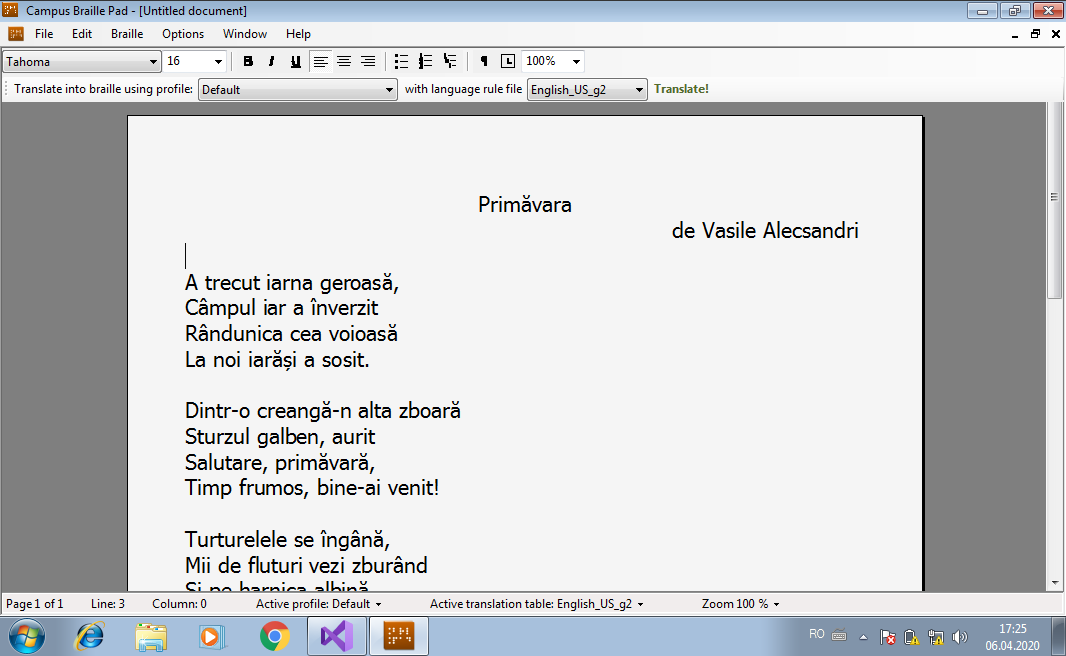
Campus Braille Pad is a comprehensive Braille editor that can be used free of charge to design, convert to Braille, and print documents on printers manufactured by Index Braille (the world’s leading manufacturer in this field).
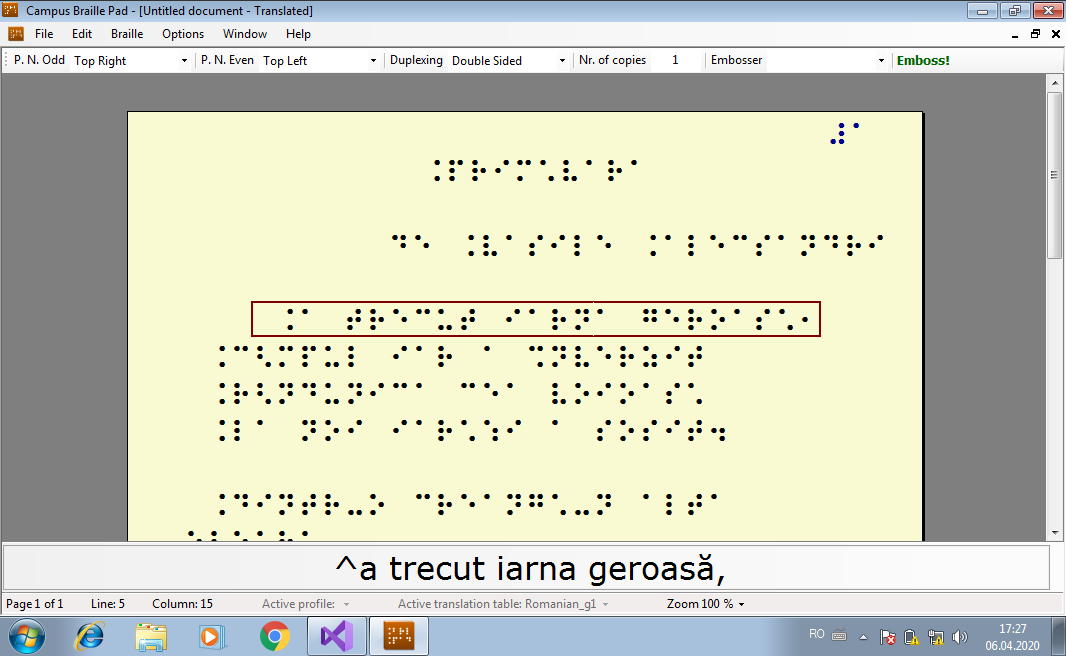
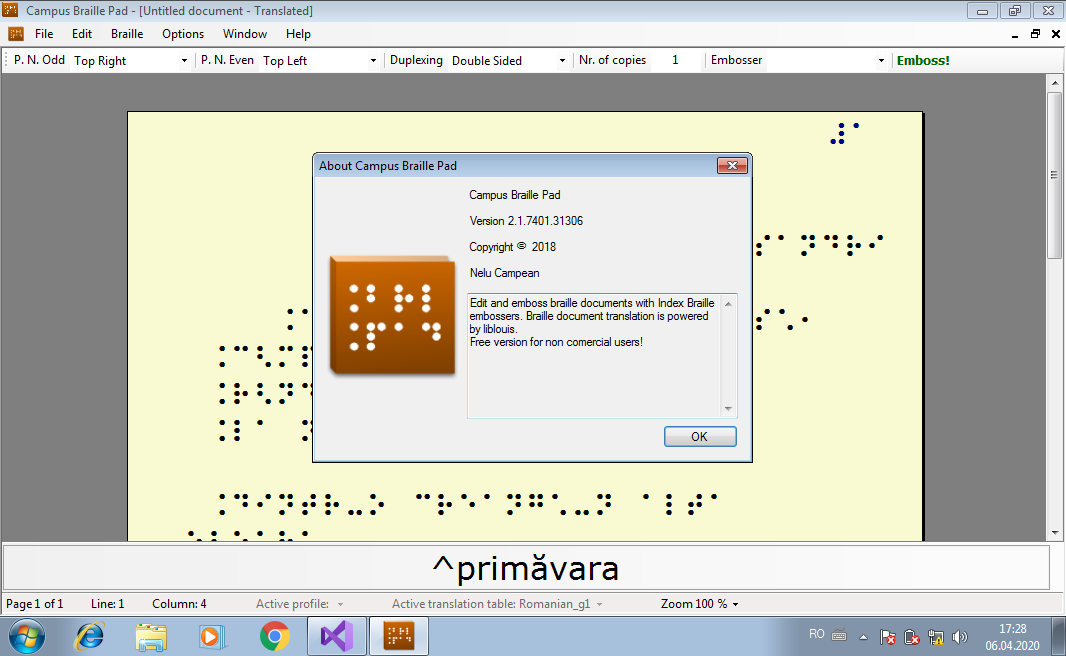
The editor allows you to convert text to Braille using the liblouis library. It also supports basic formatting and text layout on the page. The resulting documents can be printed or saved in a custom format.
Text and RTF files can be opened automatically. If you have Office installed on your computer, DOC and DOCX files can also be opened.
Campus Braille Pad has been tested with Everest-D printers (versions 4 and 5), Index Everest version 3, and 3×3 Pro versions 2 and 3.
The program supports text conversion for Romanian, English, and French. Other languages can be easily added by adding or editing translation rule files from the liblouis 2 library.
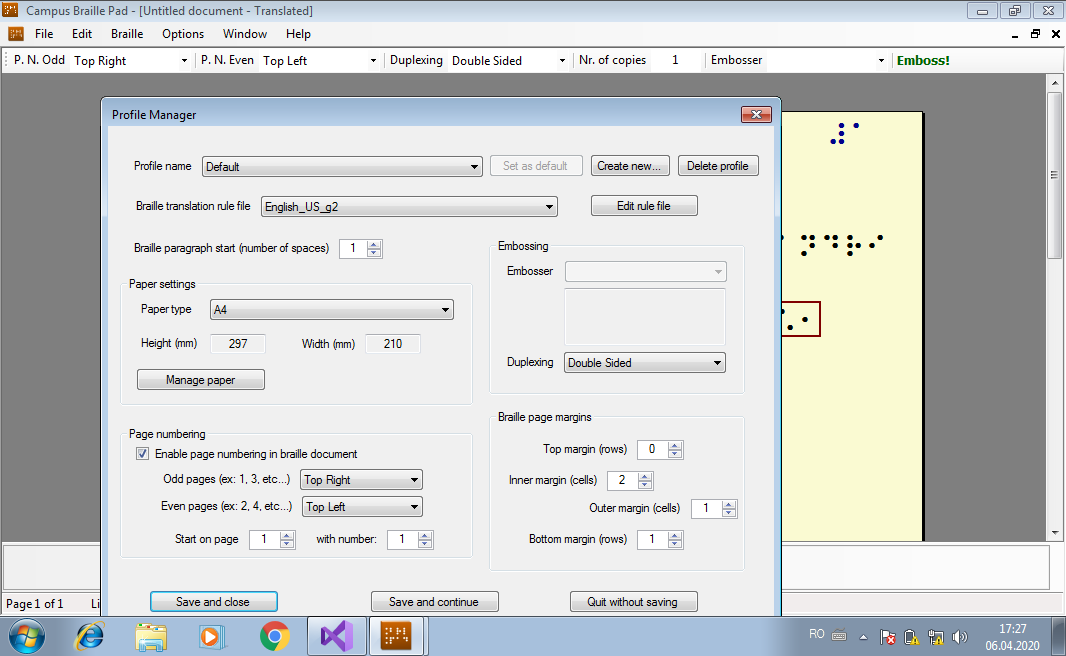
The following can be configured via the settings:
- The Braille translation file (desired language);
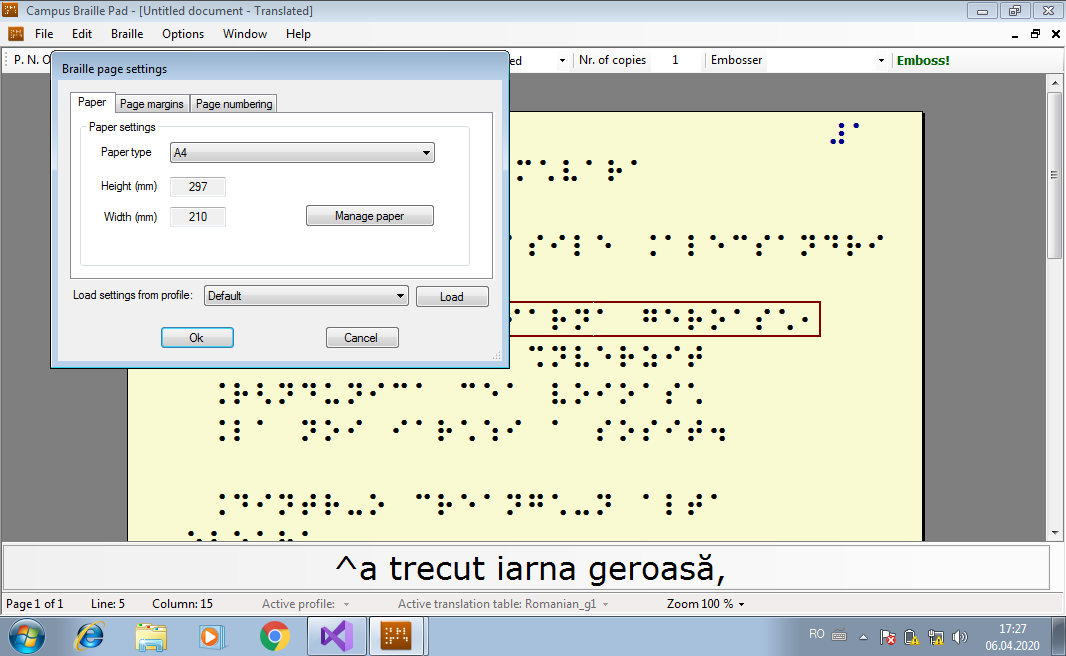
- Page size (quick presets can be saved);
- Margins for each page (top, bottom, left, right);
- Page numbering method and page number position;
- Printing mode (single-sided or double-sided).
Settings can be saved in profiles that can be easily used later.
The program allows you to preview the Braille document before printing. A preview of the Braille text in standard text is also provided for the current line.
The print dialog also allows you to preview the pages of the Braille document.
The program requires Microsoft .NET Framework version 4 and Visual C++ Redistributable v12 to be installed beforehand.
For Braille printing, you also need Braille printer drivers, which you can download from the official Index Braille website.
Download Campus Braille Pad – version 2.2!